

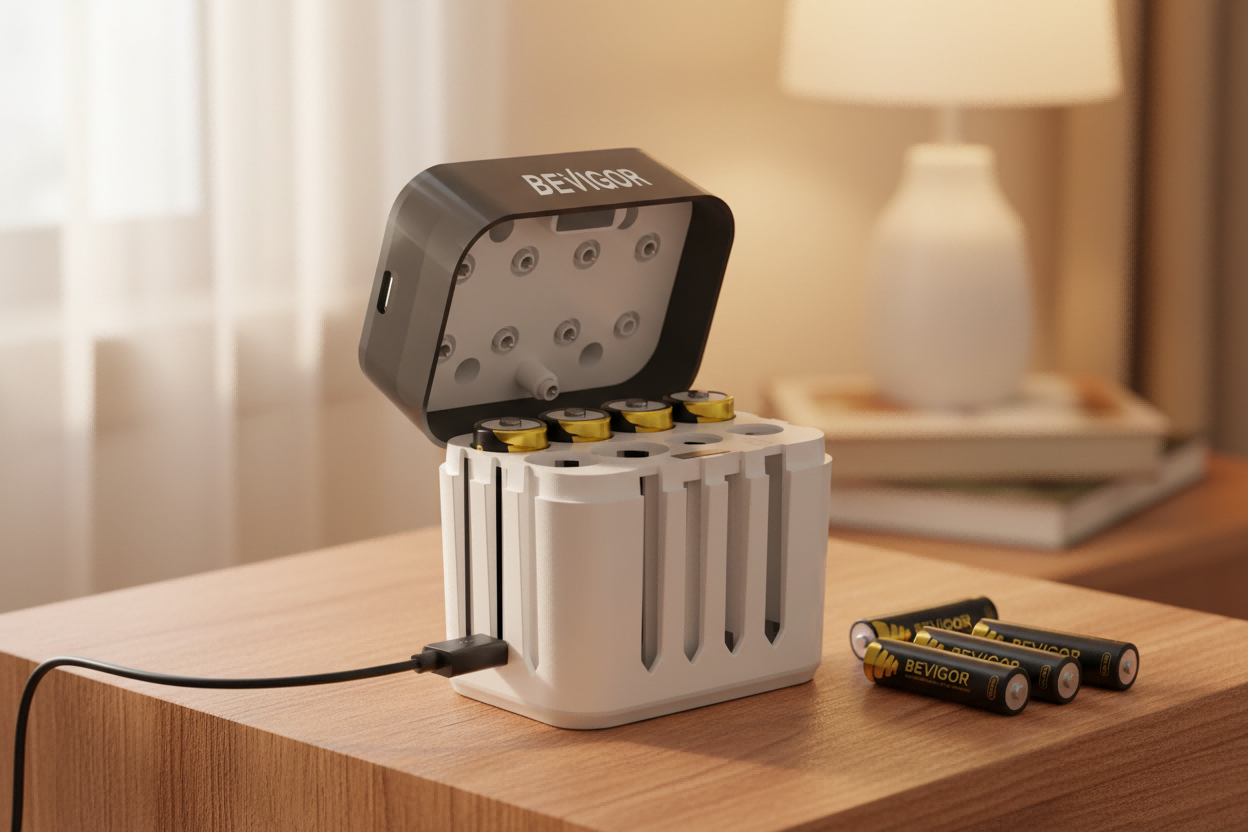
You slide the battery door shut, and it almost closes. The cell looks like a normal AA, and the label says “AA,” but the battery tray won’t accept it—or it fits so tightly you’re afraid you’ll rip the spring contact right out.
This frustration is incredibly common with a specific class of power cells: rechargeable lithium AA batteries, particularly those that advertise a regulated 1.5V output. While a standard-size name like “AA” describes a general form factor, it does not guarantee that every AA-shaped product is identical to the millimeter. When your battery compartment is built with minimal clearance, even small manufacturing or structural differences can mean a cell simply won't fit. To understand why these specific rechargeable batteries can jam your electronics, you have to look beyond the label and examine the complex internal mechanics that alter their physical footprint.

The Standard AA Blueprint vs. The Lithium Reality
To understand why a battery jams, it helps to establish what a standard battery size actually is. A helpful baseline reference is the battery sizes directory, which lists the nominal dimensions for traditional cells, such as standard AA and AAA.
However, standard sizes are not defined by a single exact millimeter measurement. Instead, international reference standards such as IEC 60086 establish an allowed min-max tolerance range for primary cells. For a traditional AA battery, the standardized limits allow slight variations in both diameter and length (including the positive button terminal).
Traditional rechargeable batteries, like NiMH cells, are relatively simple cylinders that easily stay within these boundaries. But a 1.5V lithium-ion AA-style battery is a completely different machine. It is effectively a smaller, higher-voltage lithium cell packed inside an AA-shaped shell, alongside complex internal electronics designed to make the cell behave like a standard 1.5V battery. Squeezing these extra mechanical components into a standard footprint alters the battery's exterior dimensions in three distinct ways.
1. Added Length from Internal Circuitry
A standard lithium-ion cell inherently operates at a higher native voltage than a standard AA device requires. To fix this, manufacturers must build a miniature DC-DC buck converter circuit directly into the battery housing to safely step the voltage down to a regulated 1.5V output.
These electronics are typically placed near the positive terminal. Adding a physical circuit board to the top of the cell changes how much the positive button terminal protrudes and alters how the top of the battery is constructed. Even a fraction of a millimeter of added structural length matters when a battery door is designed to compress device springs only slightly. If the internal circuitry pushes the cell's length toward or past the maximum allowed standard limits, the battery will jam against flat or rigid contacts.
2. Thicker Protective Jackets and Sleeves
The internal mechanics of a regulated lithium cell require robust insulation and protection. Because these cells contain active micro-electronics, a buck converter, and a lithium core, they require heavy-duty outer packaging to ensure consumer safety.
To package these internal components safely, manufacturers often use thicker outer wraps, jackets, or protective sleeves compared to a simple single-use cell. While the cell technically remains an "AA" on paper, the slightly increased diameter creates immediate real-world fit problems. In a tightly engineered device tray, the extra thickness increases physical friction, causing the battery to stick, wedge, or jam entirely during insertion.
3. The 14500 Dimension Discrepancy
Many products marketed as "AA lithium" are not built from scratch to meet standard primary cell limits. Instead, they are frequently built around, or closely resemble, the 14500 lithium-ion cell size code.
While a bare 14500 cell shares a similar baseline footprint with a standard AA, protected versions or those modified with voltage-regulating circuits often exceed standard physical boundaries. This is why you can have two items that both seem to be identical AA batteries at a glance, yet one slides effortlessly into your device tray while the modified lithium cell jams.
Safe Ways to Manage Tight Compartments
If you are dealing with a tight battery tray squeeze, forcing the battery inside is never the answer. Trying to slam a door shut or force a cell into place can permanently crush the battery, crack the device housing, or destroy the contact points. Use these safe steps to manage tight compartments:
● Identify Friction Points: Check the tray for manufacturing imperfections, such as plastic flash (a tiny plastic ridge left over from molding) or old corrosion residue that might be artificially narrowing the compartment.
● Protect the Contacts: Device contacts are springy by design, but cannot withstand extreme overbending. Prying or forcing contacts aggressively leads to weaker contact pressure, flickering power, or broken weld points.
● Never Modify the Battery: Never attempt dangerous DIY fixes, such as sanding down a battery's protective outer wrapper or denting the metal can to make it thinner. This creates an immediate short-circuit and safety risk.
● Swap the Cell: If a regulated lithium cell is physically too large for a specific device tray, the safest and most practical solution is to stop fighting the tolerance limits and use a battery with a more compliant footprint.
For devices with no wiggle room, sticking to traditional, highly uniform AA Batteries or AAA Batteries is often the most reliable path. If your device requires high performance and you prefer a rechargeable setup, select a standard Rechargeable AA & AAA battery kit that meets nominal dimensions without added physical bulk. For a comprehensive breakdown of how these tight space limits and capacity requirements influence device layout, consult the Lithium AA vs Lithium AAA Battery guide to optimize your hardware choices.





Share:
The Safe DIY Guide to Fixing Tight Battery Trays
Balancing Toddler-Proof Safety and Senior Accessibility in the Modern Battery Market