

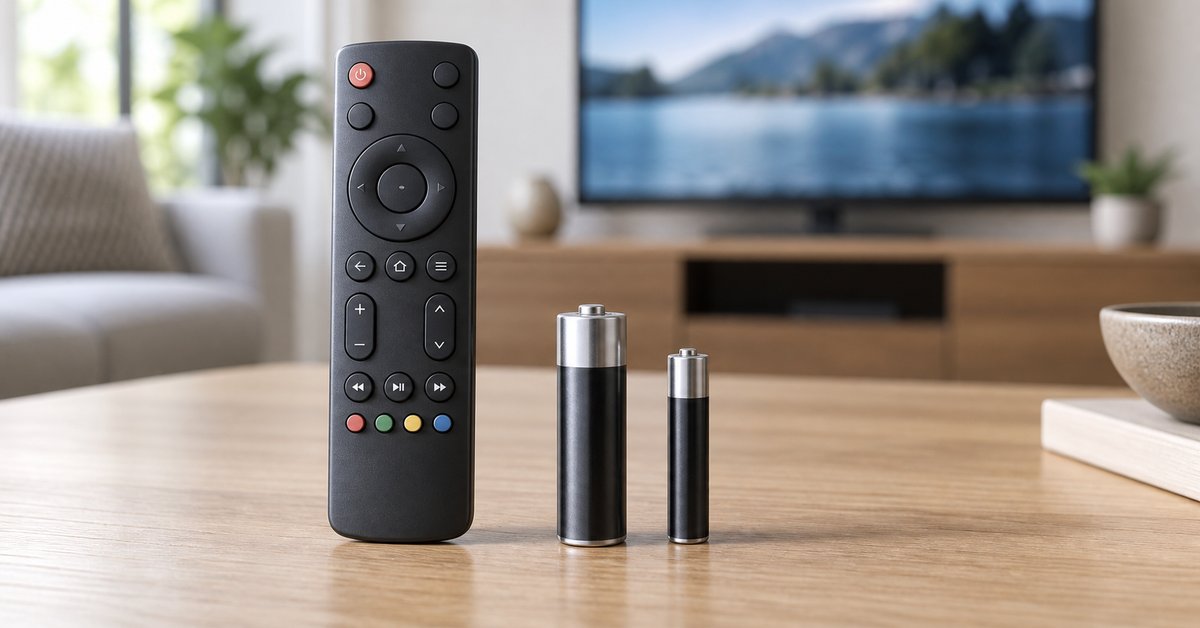
TV remotes commonly use AA or AAA batteries. Compact remotes may use a coin battery, while some voice or smart remotes have a built-in rechargeable battery. The reliable answer is printed inside the battery compartment or in the manual for your exact remote model—do not choose a battery by the TV brand alone.
Quick answer: Is a TV remote battery AA or AAA?
Open the battery cover and look for a molded or printed label beside the contacts. It should show the required size, quantity, and polarity. If the compartment says AAA, use AAA cells; AA batteries are wider and will not fit correctly. If it says AA, do not improvise with smaller AAA cells and spacers.
| What you find | What to use | What to check |
|---|---|---|
AAA, LR03, or 1.5V AAA
|
The specified AAA cells | Quantity and +/− orientation |
AA, LR6, or 1.5V AA
|
The specified AA cells | Quantity and +/− orientation |
A code such as CR2032
|
That exact coin-cell type | Full code, polarity, and secure cover |
| No removable-battery door | Check the model manual | The remote may be rechargeable |
The IEC-style codes shown above are common labels, but the device instructions remain the controlling source. A similar-looking battery is not automatically compatible.
How to identify your remote battery size
- Turn the remote over and open the battery cover without forcing it.
- Read the size printed inside the compartment or on the old battery.
- Confirm how many cells are required and note the polarity diagram.
- If the label is missing, search the TV or remote model number on the manufacturer’s support site.
- Match the required size and chemistry stated by the manufacturer.
The model number is more useful than the brand name. One television brand may sell several remotes that use different batteries.
AA vs AAA batteries for remote controls
AA and AAA cells commonly have the same nominal voltage within a given chemistry, but their dimensions and typical capacity differ. AA cells are physically wider and longer, so AA and AAA are not interchangeable.
AAA cells suit slimmer battery compartments. AA cells provide more room for active material and may be selected for remotes with larger compartments or different power requirements. Neither size is universally “best”; the correct size is the one specified for the remote.
For a closer look at the physical differences, see BEVIGOR’s AA vs AAA battery guide.
Alkaline, lithium, or rechargeable?
After confirming the size, follow the remote manufacturer’s chemistry guidance.
Alkaline
Alkaline AA and AAA batteries are widely used in low-drain household electronics, including TV remote controls. They are usually the straightforward choice when the manual specifies standard 1.5V alkaline cells.
Primary lithium
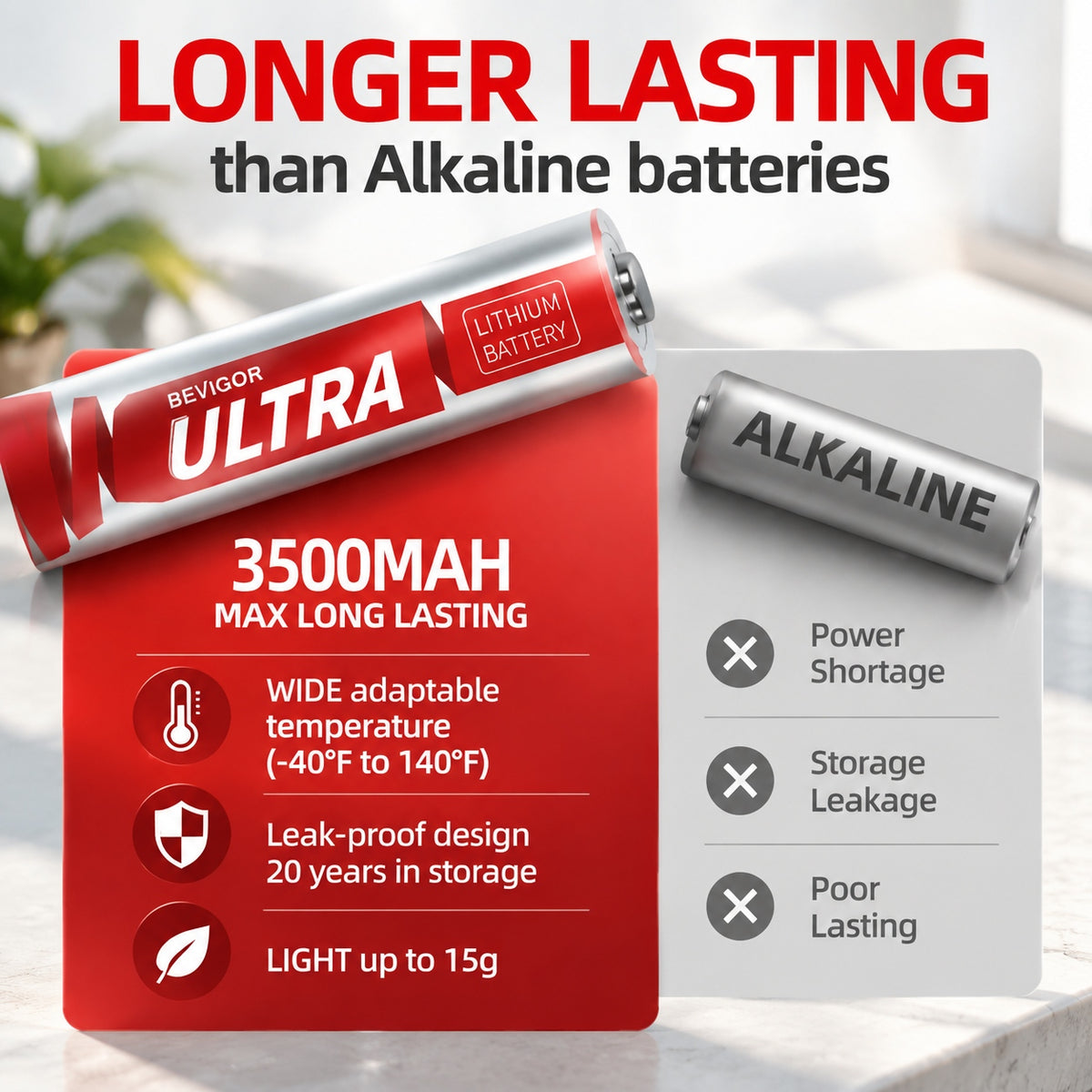
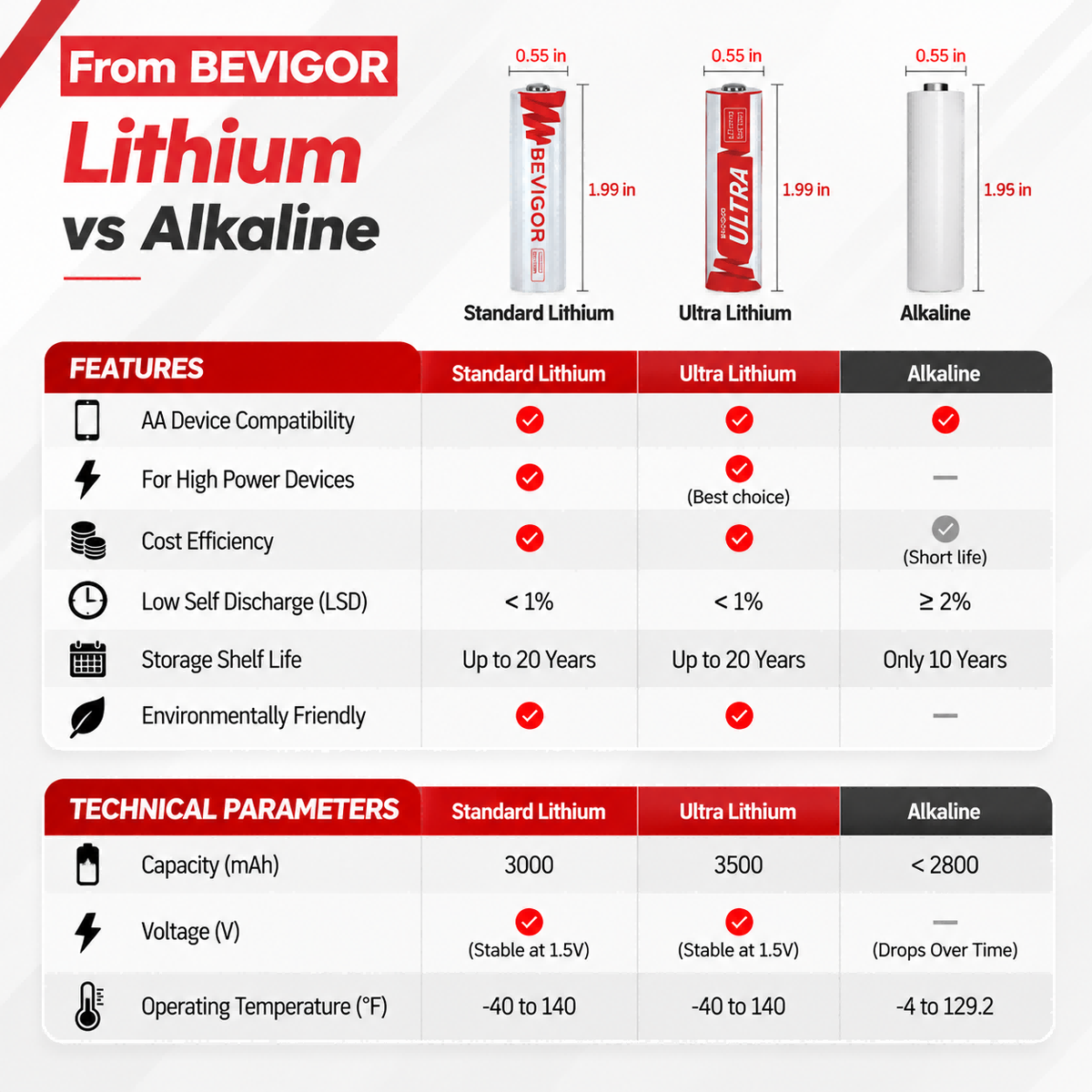
Some AA and AAA primary lithium batteries also have a nominal voltage of 1.5V, but that does not make them suitable for every remote. Use them only when the device manufacturer permits that chemistry. They are single-use batteries and must never be recharged.
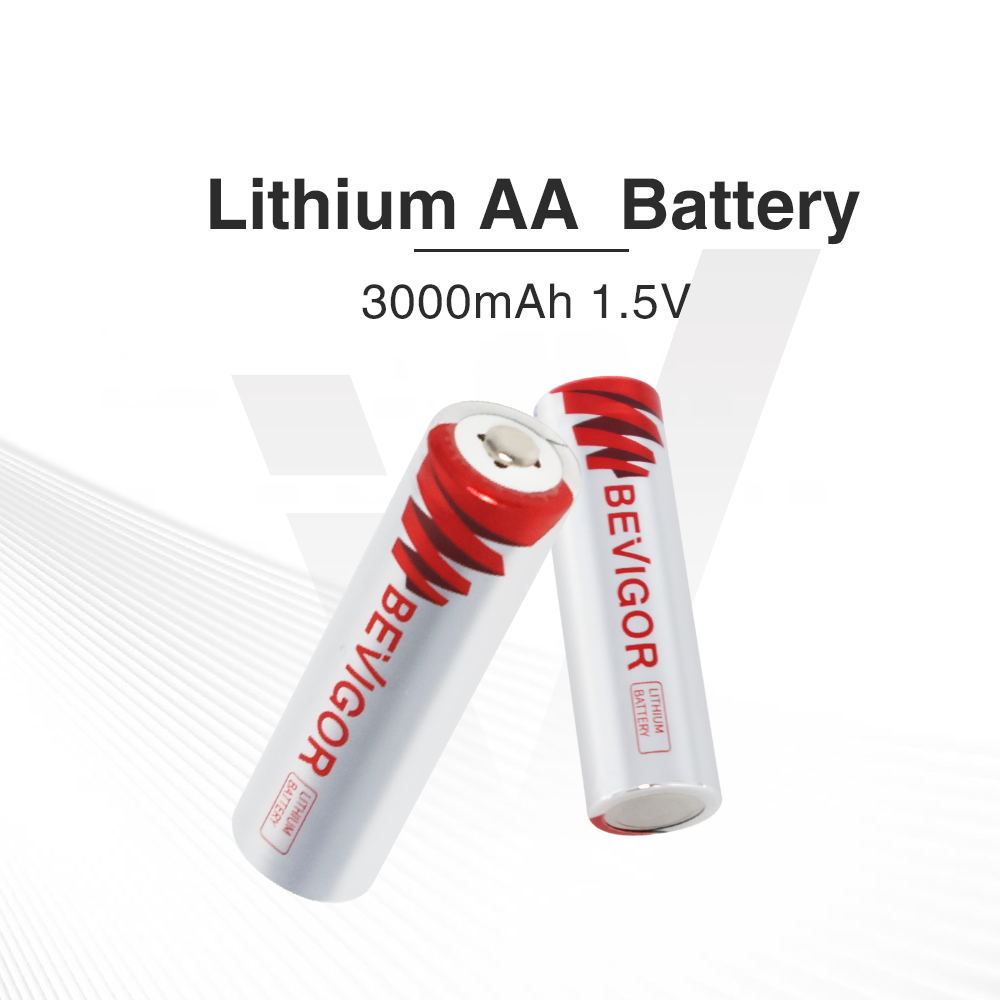
If your device allows 1.5V primary lithium cells, the product options below provide size-specific examples.
Rechargeable NiMH
Rechargeable NiMH AA and AAA cells are commonly rated at 1.2V. Some remotes work with them; others may show an early low-battery warning or behave inconsistently. Check the manual before switching chemistry, use a compatible charger, and replace or recharge cells as a matched set.
Never attempt to recharge alkaline, primary lithium, or coin batteries.
What about CR2032 and other coin batteries?
Some compact remotes use a coin cell. CR2032 is a specific battery designation, not a generic name for every round battery. Match the complete code printed on the old cell or in the manual; thickness, diameter, chemistry, and voltage all matter.
Coin and button batteries can cause severe injury if swallowed. The U.S. Consumer Product Safety Commission advises keeping loose cells and devices with unsecured battery compartments away from children. After removing a spent coin cell, secure it promptly and follow local disposal guidance. See the CPSC button and coin battery safety guidance.
BEVIGOR Battery Options for Compatible Remotes
Choose a battery only after checking the size, voltage, chemistry, and quantity specified for your exact remote. If the manufacturer permits 1.5V primary lithium cells, the following BEVIGOR options match the corresponding size and voltage:
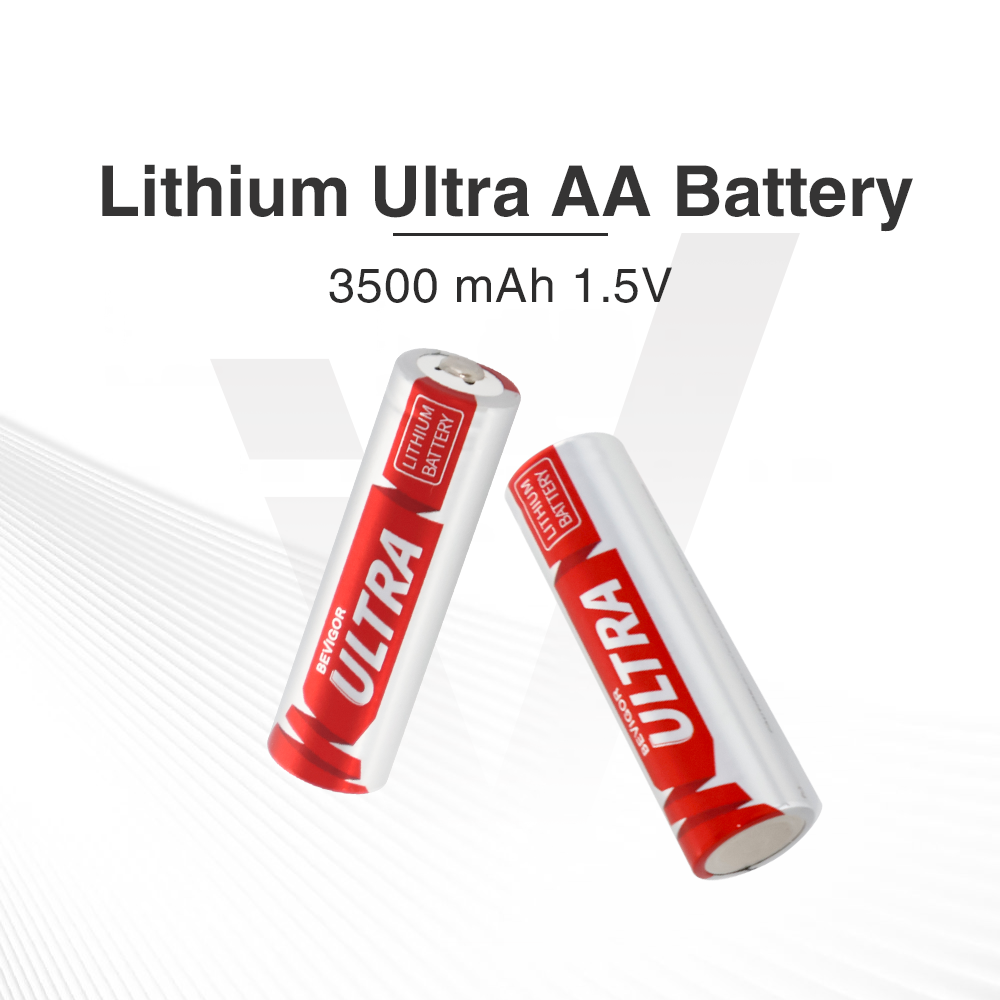
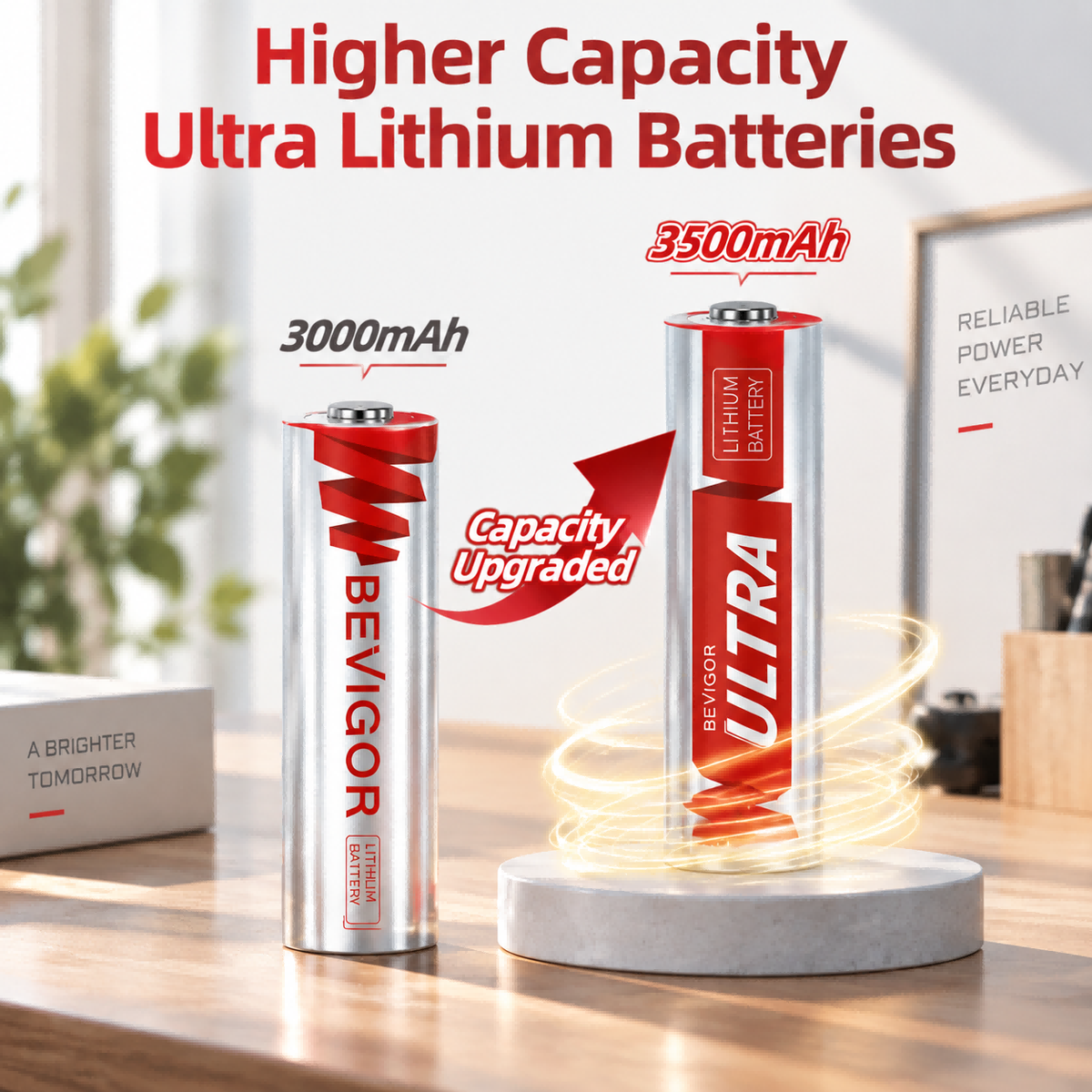
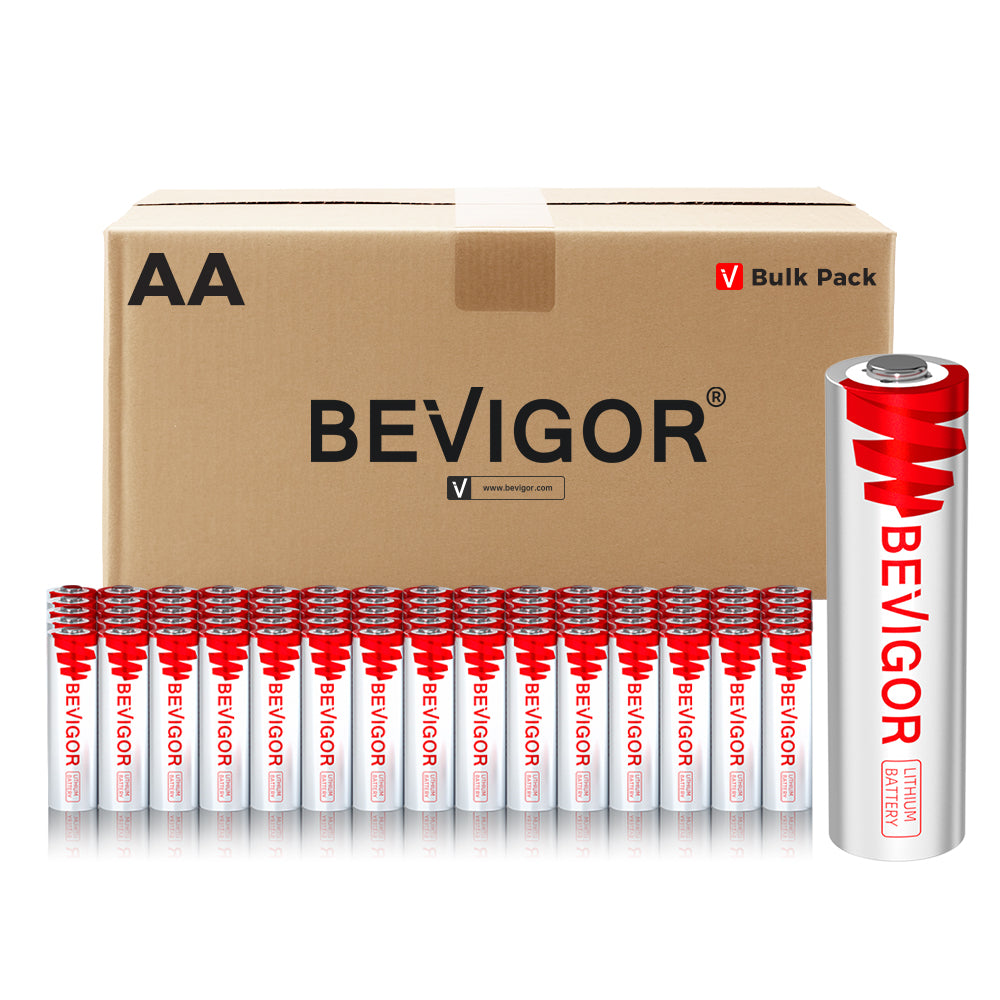
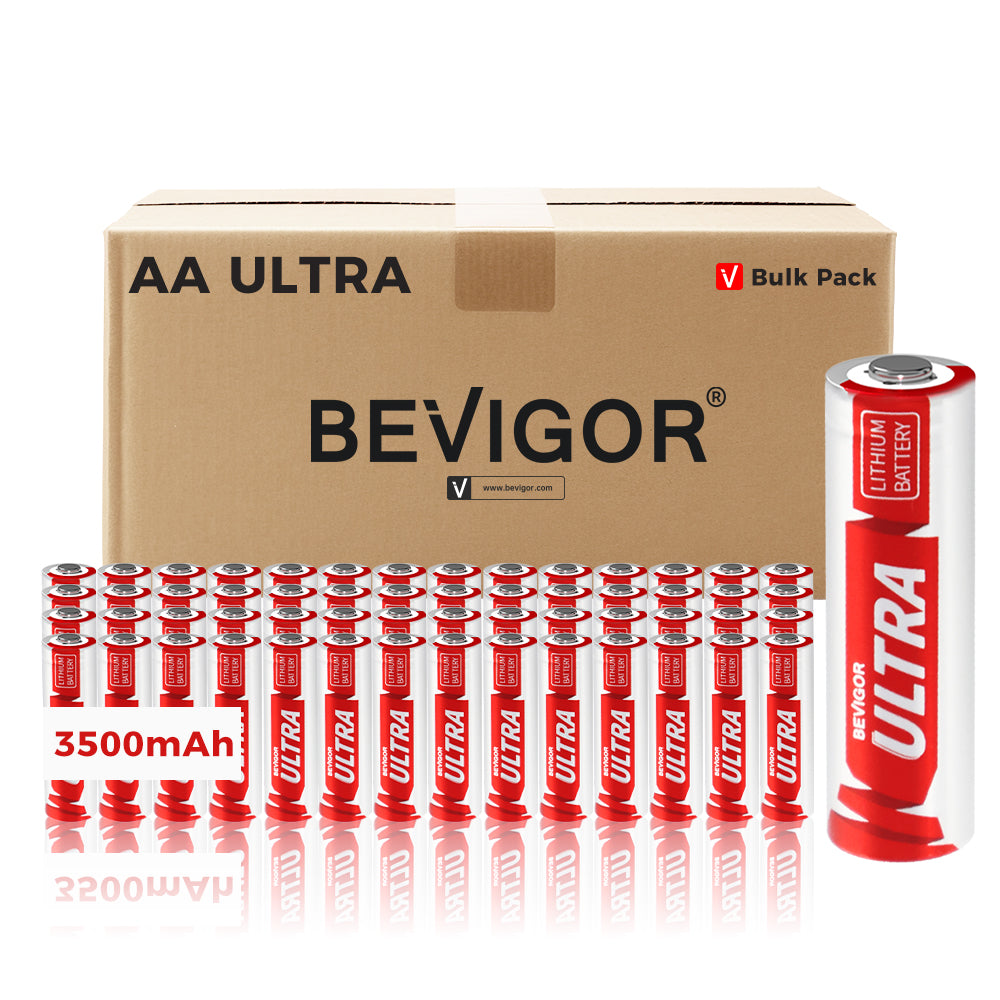
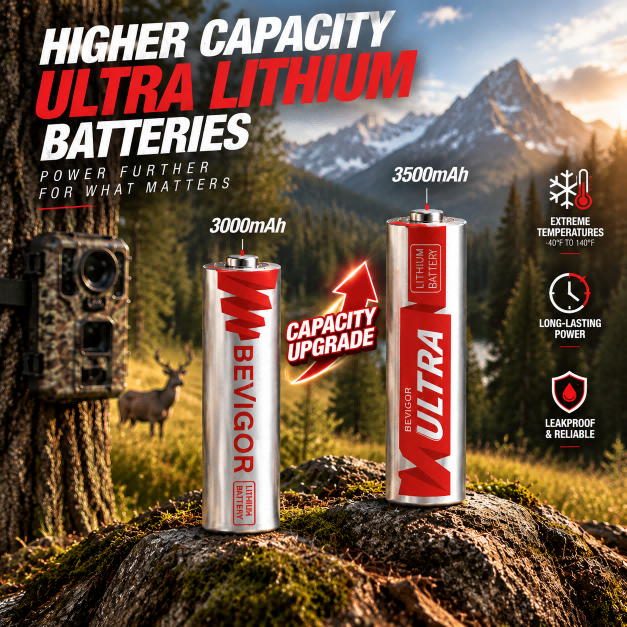
- AA remotes: BEVIGOR 3000mAh AA lithium batteries or BEVIGOR Ultra 3500mAh AA lithium batteries.
- AAA remotes: BEVIGOR 1200mAh AAA lithium batteries.
- CR2032 remotes: BEVIGOR CR2032 3V lithium coin batteries.
Do not substitute AA for AAA, use CR2032 in place of another coin-cell code, or switch from alkaline to lithium unless the remote manufacturer permits it. Install a fresh matched set when the remote uses more than one battery.
How to replace remote-control batteries
- Remove all old cells.
- Check the compartment for leakage or damaged contacts. Stop using the remote if it is damaged.
- Install a fresh matched set of the specified size and chemistry.
- Align each positive and negative terminal with the compartment diagram.
- Close the cover securely and test the remote.
Do not mix old and new batteries, different sizes, brands, or chemistries. If a remote remains unresponsive, verify the battery orientation, try a known-good matched set, and follow the device maker’s pairing or reset instructions.
How long do TV remote batteries last?
There is no reliable universal runtime. Battery life varies with the remote design, voice features, backlighting, usage frequency, battery chemistry, storage history, temperature, and whether buttons become stuck. Replace the cells when response becomes intermittent or the device displays a low-battery warning, but first rule out pairing and line-of-sight issues.
Remove batteries from a remote that will be stored for a long period if its manufacturer recommends doing so. Keep unused cells in their original packaging in a cool, dry place and away from metal objects and children.
Disposal and recycling
Disposal rules depend on chemistry and location. The U.S. EPA recommends checking local or state requirements. It specifically advises against placing lithium single-use and coin batteries in household trash or municipal recycling bins; use an appropriate collection option and protect terminals as directed. Review the EPA household battery guidance.
FAQ
What batteries do most TV remotes use?
AA and AAA batteries are common, but the size and quantity vary by model. Check the battery compartment or the manufacturer’s manual.
How do I know if my remote takes AA or AAA batteries?
Read the label inside the battery compartment or the code on the existing battery. AA cells are larger, but visual guessing is less reliable than the printed specification.
Can I use lithium batteries in a TV remote?
Only if the remote manufacturer permits that battery chemistry and voltage. Matching the AA or AAA size alone is not enough.
Can I use rechargeable batteries in a remote?
Some remotes accept rechargeable NiMH cells, while others may not perform as expected at their nominal 1.2V. Check the manual for the exact model.
Can I replace a CR2032 with another coin battery?
Use the exact code specified by the manufacturer. Similar-looking coin batteries can differ in size, voltage, or chemistry and should not be treated as universal substitutes.
Why is my remote still not working after new batteries?
Confirm polarity, use a fresh matched set, inspect the compartment for damage, and follow the manufacturer’s pairing or reset instructions. The problem may not be the batteries.



Share:
How Long Does 9V Battery Last and When Should I Replace It?
9V Batteries Common Questions, Reasons And Solutions