


Does your exterior security camera constantly drop its wireless connection or drain power rapidly? Unreliable outdoor surveillance leaves your property completely vulnerable when you need monitoring the most.
We cover wifi positioning, sync module installation, and choosing the correct power source for your Blink Outdoor 4.

Understanding the Specific Power Requirements for the Blink Outdoor 4
Many homeowners pull standard zinc or alkaline power cells from a kitchen drawer when setting up their new exterior security hardware. This common mistake immediately compromises the operational stability of the entire surveillance system. The internal circuitry of this specific camera model relies heavily on a continuous, flat electrical voltage to drive its high definition video sensor, its two-way audio speaker, and its infrared night vision emitters simultaneously.
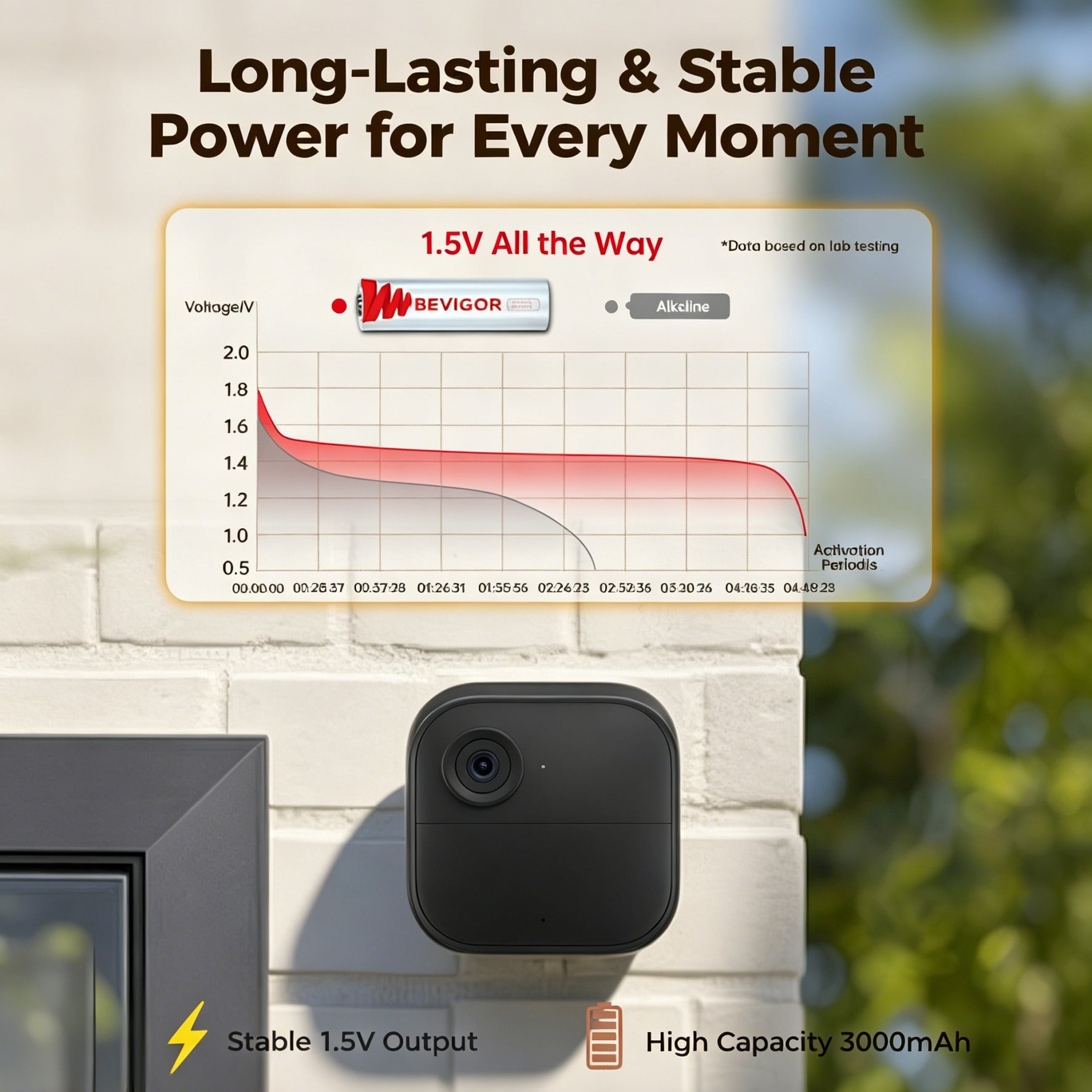
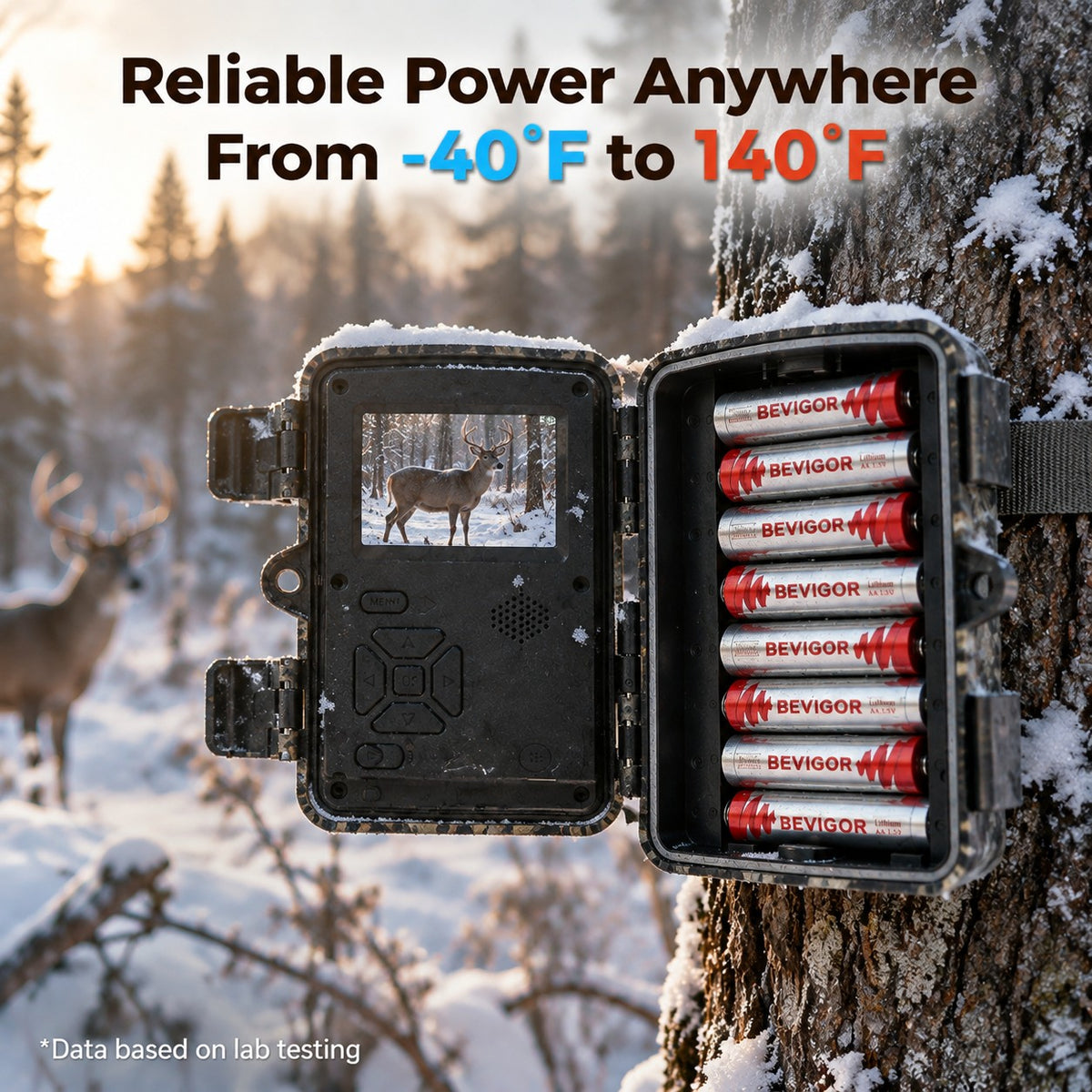
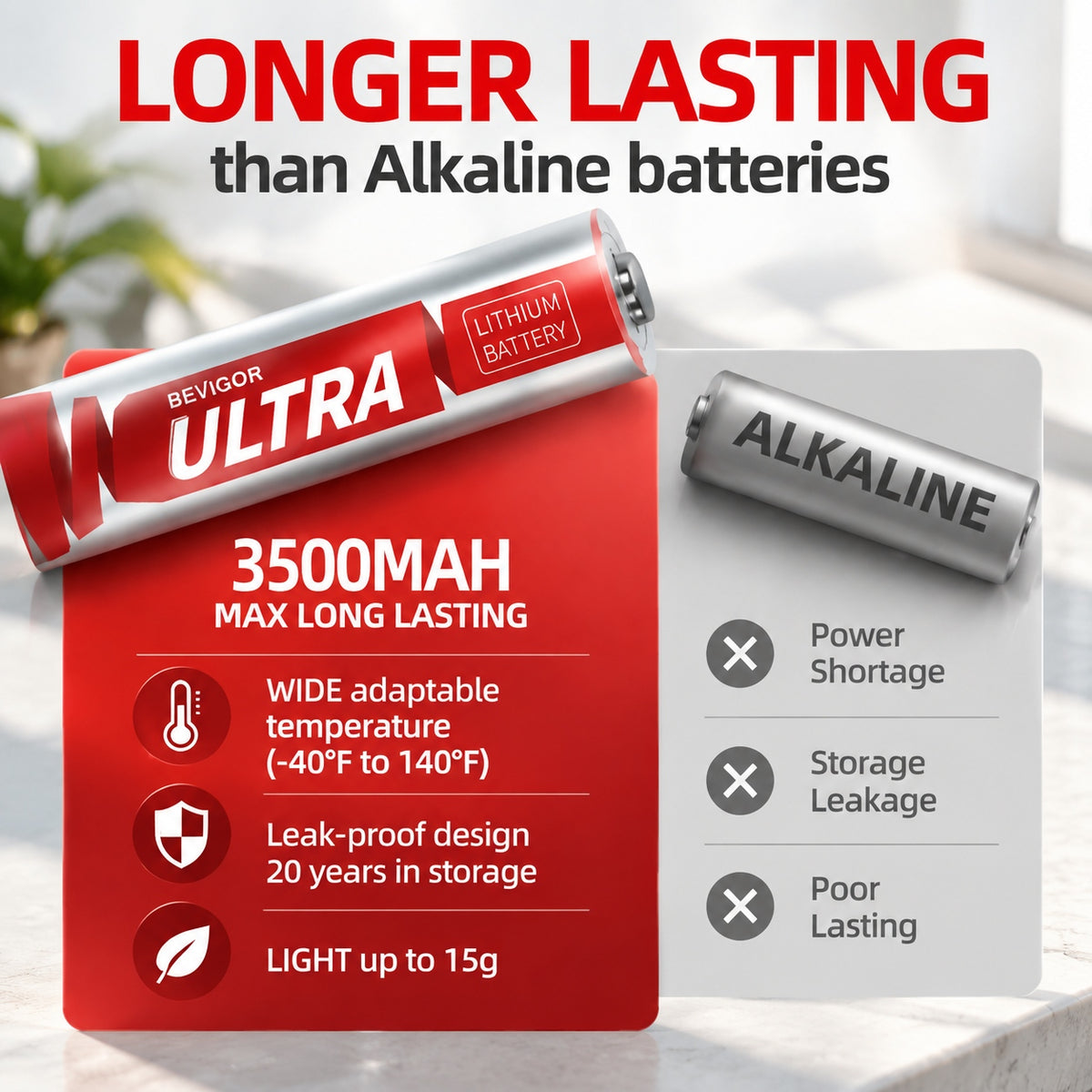
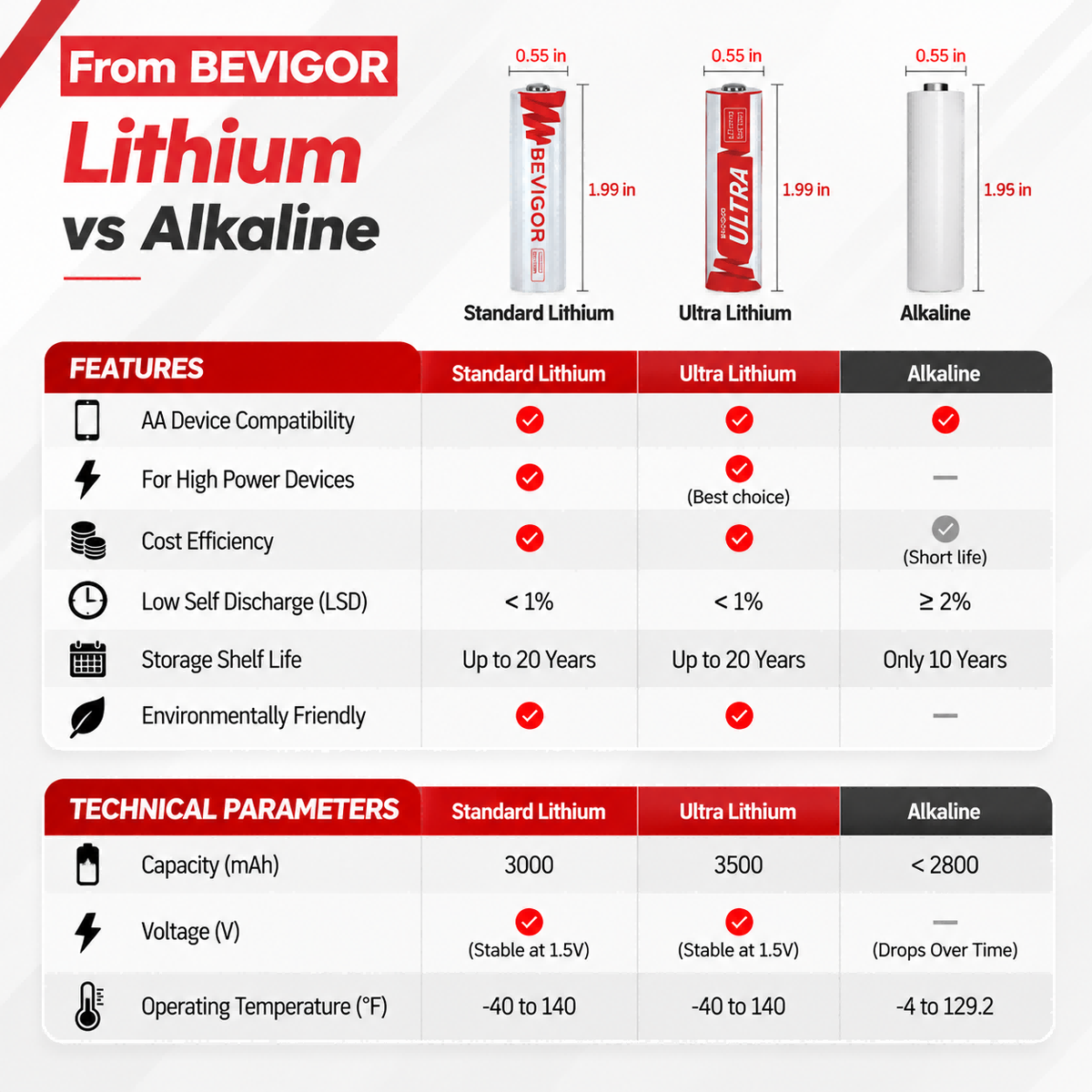
Standard alkaline units feature a sloping discharge profile, meaning their voltage drops steadily from the exact moment they begin operating. When the camera attempts to record a video clip during a freezing winter night, the sudden electrical draw causes the alkaline voltage to sag drastically. This temporary sag forces the camera internal microprocessor to shut down, resulting in missed recordings and constant offline errors.
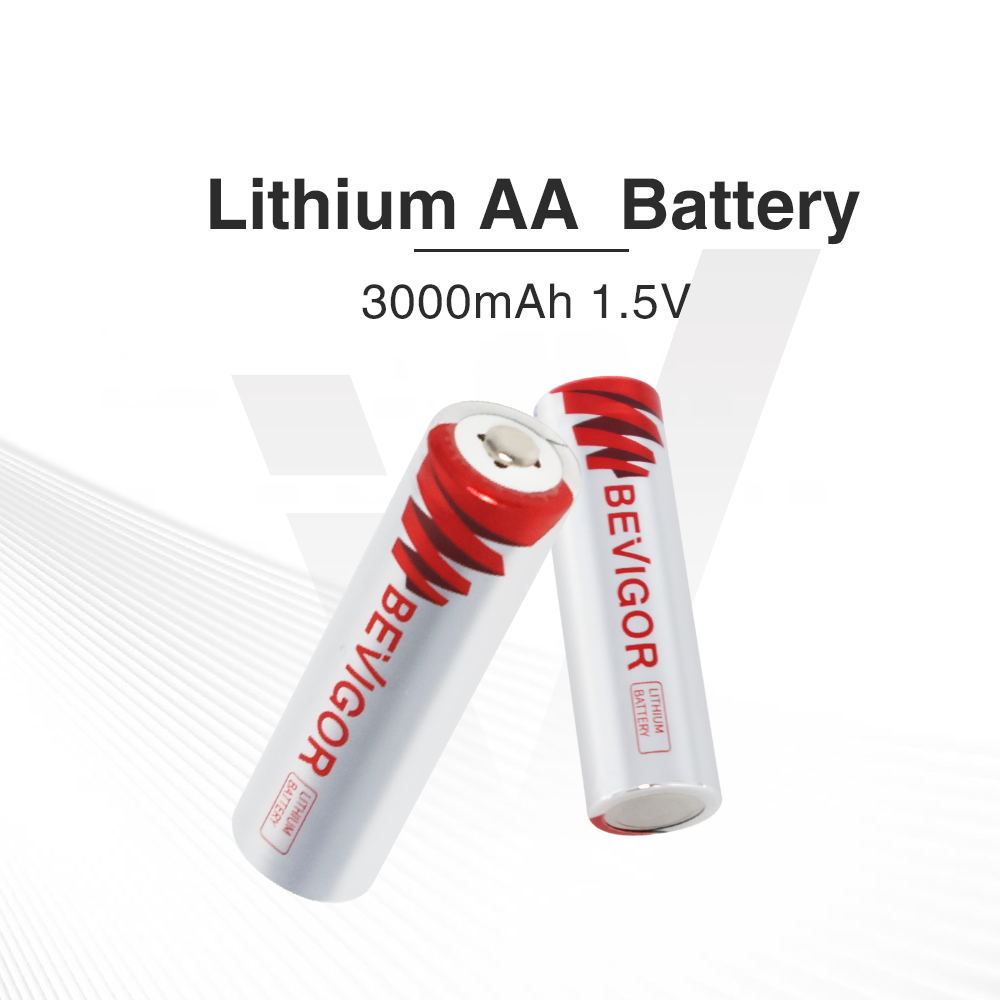
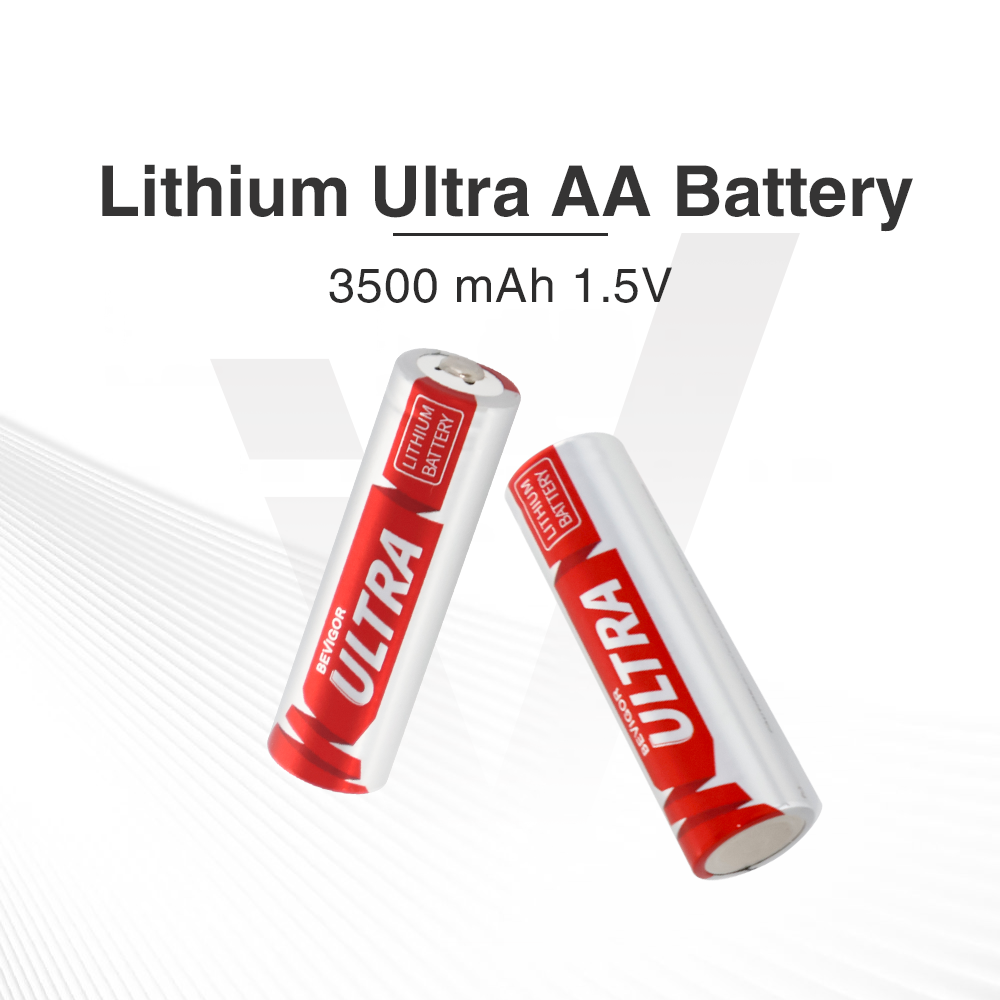
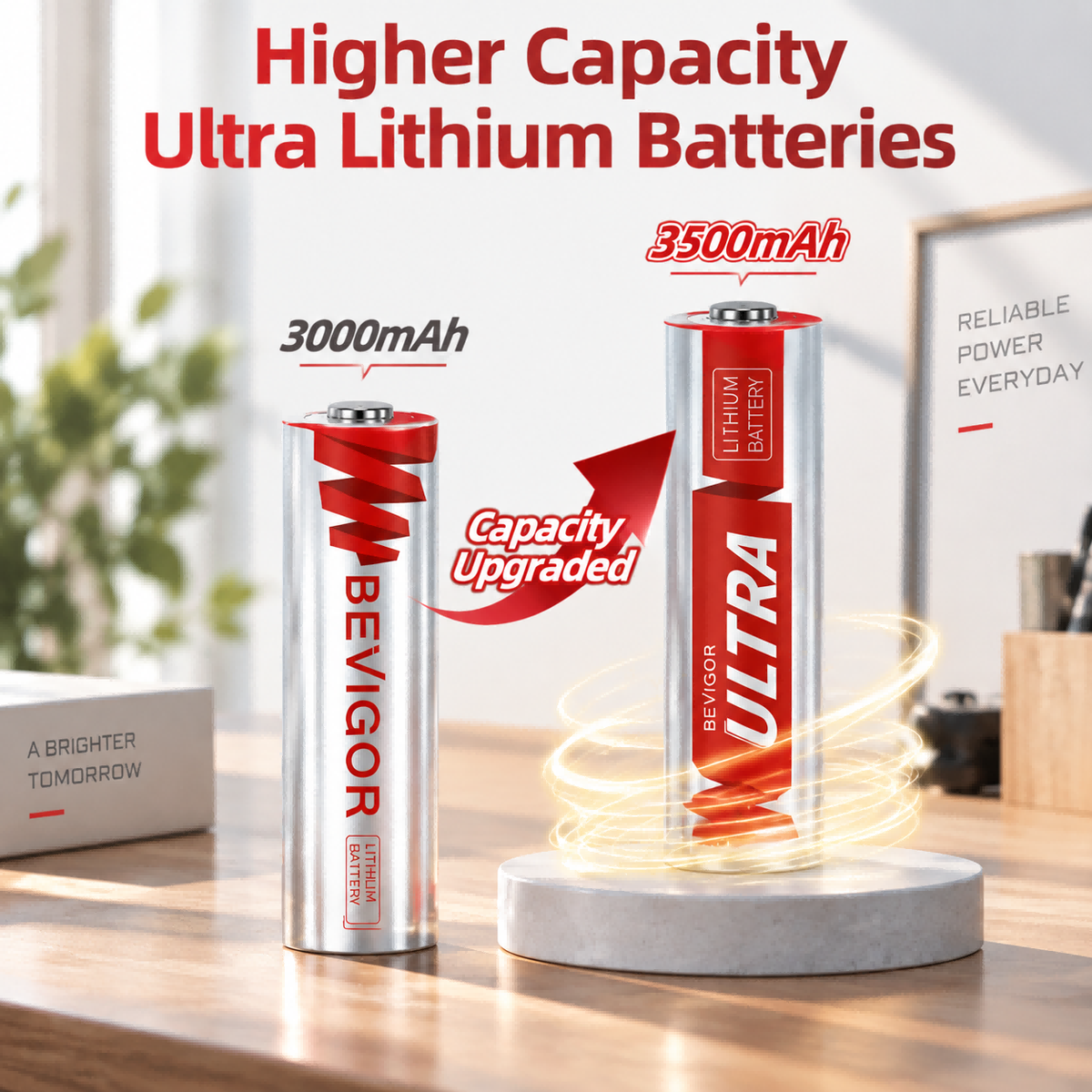
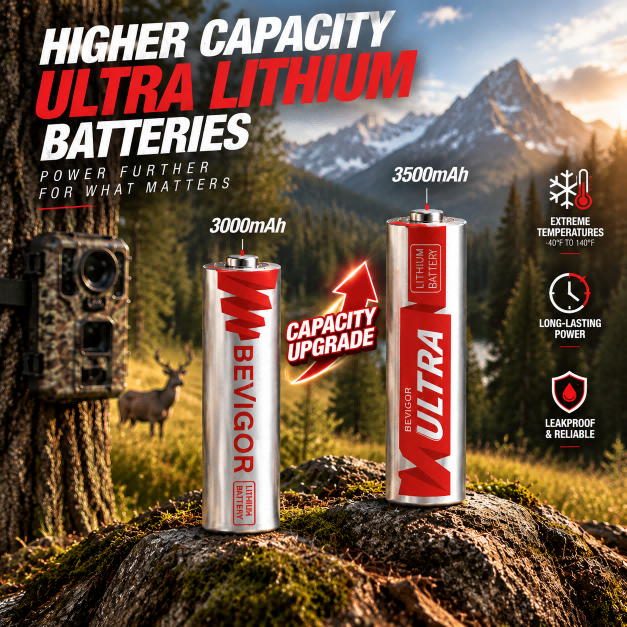
To guarantee continuous hardware functionality, the manufacturer explicitly requires the use of 1.5V primary lithium chemistry. According to internal technical documents from Battery University, solid metallic lithium components maintain a remarkably flat voltage plateau under heavy loads. By utilizing robust AA lithium options from the Bevigor catalog, the internal camera sensors receive a steady 1.5 volts until the cells are completely empty, preventing the frustrating false offline alerts caused by weak alkaline chemistry.
How to Optimize Wi-Fi Connectivity for the Blink Outdoor 4
Wireless signal strength dictates how quickly your motion alerts reach your smartphone. The architecture of this surveillance system utilizes a central hub known as the Sync Module, which plugs directly into a standard interior wall outlet. This module acts as a dedicated wireless bridge between your home internet router and the exterior camera units.
Here is the deal. The cameras strictly operate on the 2.4 GHz frequency band. While modern 5 GHz router bands offer faster download speeds for laptop computers, the lower 2.4 GHz frequency physically penetrates thick building materials far more effectively. When positioning your Sync Module, you must place it roughly halfway between your internet router and the physical location of the exterior cameras.
Physical building materials actively destroy radio frequency signals. Placing the Sync Module behind dense brick walls, metal exterior siding, or thick plumbing pipes will severely restrict the transmission range. Scientific research on signal propagation confirms that various building materials drastically impact the attenuation and reliability of wireless connections. For optimal performance, rest the Sync Module on a wooden bookshelf or an open table rather than stuffing it inside a metal entertainment center. High elevation often allows the signal to travel over furniture rather than through it.
Physical Placement Strategies for the Blink Outdoor 4
Securing the matte black plastic casing to your exterior wall requires understanding how the internal passive infrared sensor actually detects movement. The sensor triggers a recording by detecting the sudden physical movement of body heat across its field of view. It does not "see" through glass, meaning you cannot place the camera inside a window pointing outward, as the glass pane completely blocks the thermal signature required to wake the system up.
For the most accurate motion detection, mount the hardware approximately eight to ten feet above the ground. Angle the lens slightly downward to cover the primary walkway or driveway. Positioning the lens directly horizontal often catches the thermal heat of vehicles passing on a distant street, which wastes massive amounts of chemical energy on irrelevant recordings.
Furthermore, you must avoid pointing the lens directly at the rising or setting sun. Intense, direct sunlight striking the glass lens creates massive optical glare that washes out the video feed and can temporarily blind the image sensor. Mount the device under a roof eave or a prominent porch overhang. This structural shielding prevents heavy rain from obscuring the lens and protects the water-resistant silicon seals from direct exposure to harsh weather elements.
Troubleshooting Connection Drops for the Blink Outdoor 4
Even with a flawless initial setup, environmental variables can eventually disrupt your surveillance feed. When you open the mobile application and see a "Camera Offline" message, you must isolate whether the failure stems from the wireless network or a physical hardware fault.
If the camera suddenly stops responding, do not assume that every flashing red LED means low battery voltage. On Blink Outdoor 4, a flashing red light can appear during setup or after changing the camera’s system or Wi-Fi connection. Check the Blink app, Sync Module status, and network connection, and compare the pattern with Blink’s official red-light guide. Replace both batteries with a fresh matched pair of the required type only when the app or model-specific guidance indicates a power issue. For a model-by-model diagnostic checklist, see our Blink camera flashing red with new batteries guide.
If the batteries are fresh but the camera remains offline, first confirm that the Sync Module is online. Then power-cycle the camera by removing its batteries for five seconds, reinstalling them, waiting about 30 seconds, and testing the camera again. Check the Wi-Fi connection and update the Blink system’s network settings if the Wi-Fi name or password recently changed. If the problem continues, follow Blink’s official offline-camera troubleshooting steps or contact Blink Support.
Comparing Power Sources for Security Hardware
Selecting the appropriate chemical energy source dictates whether you will be climbing a ladder every two months or every two years. The continuous electrical demand of two-way audio and high definition video transmission rapidly exposes the weaknesses of low quality materials.
|
Chemistry Type |
Internal Structure |
Voltage Profile |
Cold Weather Operation |
Expected Camera Lifespan |
|
Standard Alkaline |
Liquid zinc paste |
Sloping and weak |
Fails below freezing |
1 to 3 months |
|
NiMH Rechargeable |
Solid reusable core |
Flat but lower starting point |
Moderate resistance |
Not recommended by manufacturer |
|
Primary Lithium AA |
Solid metallic components |
Flat and highly stable |
Operates perfectly in subzero |
12 to 24 months |
While NiMH cells provide excellent value for children's toys and handheld electronics, their starting voltage of 1.2V often registers as "low battery" immediately upon insertion into this specific security hardware. To achieve the manufacturer's heavily advertised two year battery life, you are strictly required to use primary 1.5V lithium chemistry.
Frequently Asked Questions About the Blink Outdoor 4
Does this camera require a paid monthly subscription to operate?
The hardware functions without a subscription, allowing you to view the live video feed and receive basic motion alerts. However, saving video clips to the cloud for later review requires either an active monthly subscription plan or a compatible USB flash drive plugged directly into the physical port on the side of the Sync Module.
Why does my recorded video look washed out and completely white at night?
This optical issue occurs when the infrared night vision emitters reflect heavily off a nearby physical object. If you mount the camera too close to a white brick wall or a solid wooden post, the infrared light bounces directly back into the lens. Re-angle the bracket to ensure the immediate foreground is completely clear of obstacles.
Can I use a hardwired power cable instead of internal cells?
Yes. The exterior casing features a heavily sealed micro USB port on the back panel. You can utilize a specialized, weather-rated outdoor cable to provide continuous wall power, which completely eliminates the need to open the casing to replace the internal power supply.
Why is there a delay between the physical motion and the smartphone alert?
To conserve internal chemical energy, the camera processor sleeps heavily until the passive infrared sensor detects a thermal shift. The processor must wake up, turn on the video sensor, connect to the Sync Module, and transmit the data packet. This entire physical sequence typically takes two to four seconds to complete.
Are the internal components safe from heavy rain and snow?
The matte black casing utilizes tight rubber gaskets around the battery compartment and the lens housing to achieve a highly weather-resistant rating. However, it is not fully waterproof. You must never submerge the hardware in standing water or spray it directly with a high pressure power washer during exterior house cleaning.
Essential Hardware and Safety Guidelines
To protect your property investment and maintain reliable digital surveillance, review these operational standards before interacting with the hardware.
- Specification Origins: All expected runtime estimates and voltage requirements reflect official hardware documentation. Real world performance always fluctuates based heavily on your motion sensitivity settings, the length of your recorded video clips, and the frequency of live view usage.
- Component Mixing Taboos: You must never mix a depleted cell with a fresh one inside the camera housing. Furthermore, combining different chemical types, such as forcing an alkaline cell next to a lithium cell, guarantees rapid internal overheating and potential hardware destruction.
- Network Security: Always secure your home 2.4 GHz wireless network with a complex WPA2 or WPA3 password. Leaving your exterior security cameras on an open, unencrypted internet connection creates a massive vulnerability for digital intrusion.
- Responsible Disposal: Primary lithium units contain active metallic elements that react violently if crushed in garbage compactors. Please utilize federal environmental resources like the EPA safe recycling guide to locate proper community drop off centers instead of discarding them in standard household trash bins.
- Replacement Logistics: For reliable, consistent surveillance performance, keep a spare set of high quality AA lithium cells from the Bevigor support catalog stored in a dry, room temperature environment so they are immediately available when your application signals a low voltage warning.



Share:
From Carbon-Zinc to Lithium Iron: The Material Evolution of AA Batteries
Blink Camera Battery Types and Compatibility Guide